Show day should feel boring.
Show-day runs, green room setup, load-in, strike, speaker prep, and venue-ready operations for event teams.
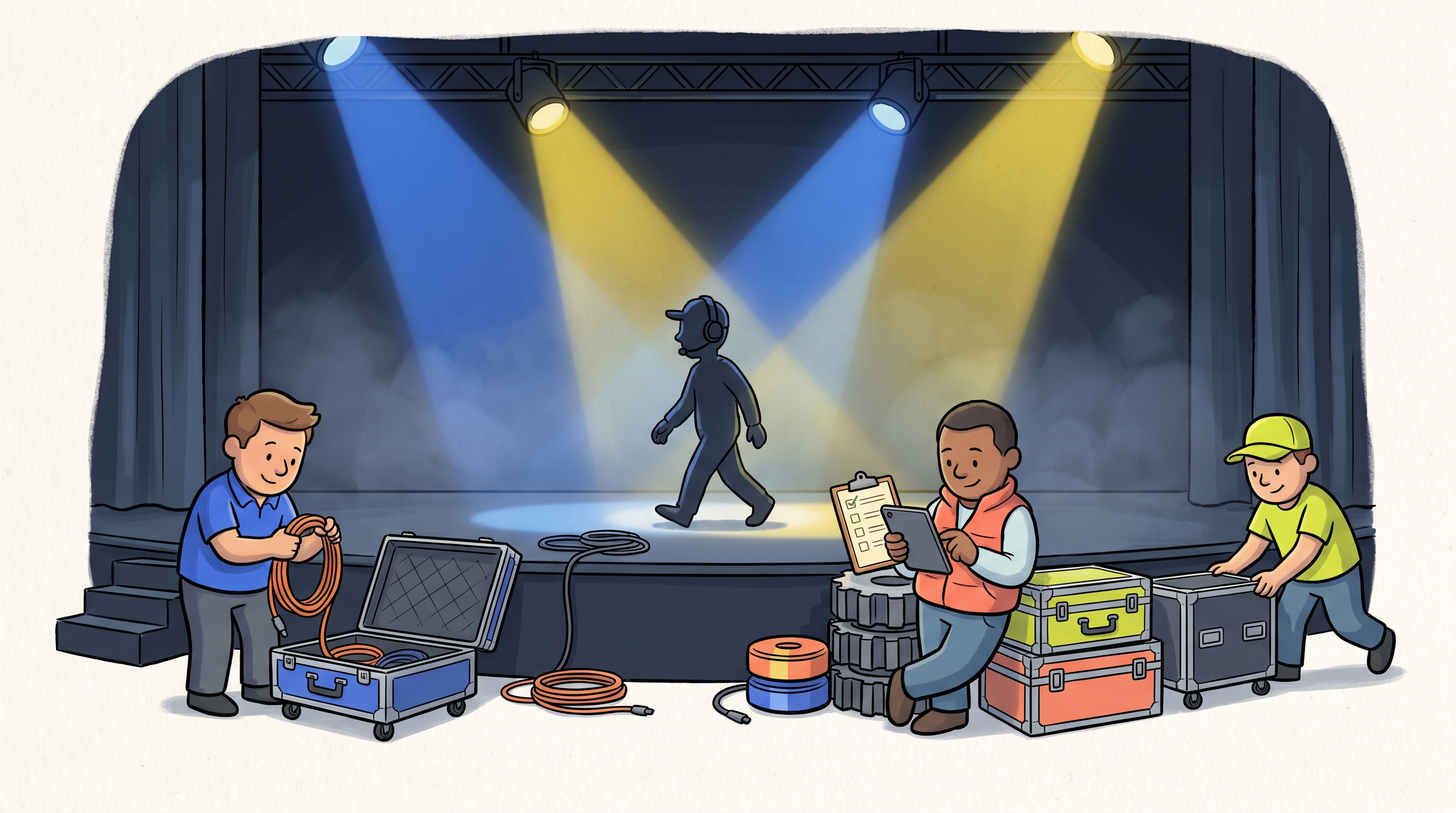
Show-day runs, green room setup, load-in, strike, speaker prep, and venue-ready operations for event teams.
“One run-of-show travels from city to city now.”
“Green room prep stopped being a Slack search.”
“Load-in is on the phone, not on a clipboard.”
“Strike is checked, photographed, done.”
The AI-powered checklist app for your team.
Talk to your checklist to mark items as complete, upload photos and videos, and get a PDF report the moment the job is done.
Event Production Preflight Checklist
See an immediate impact in events ops.
Not generic “workflow software” — this is the specific stuff events teams ask for on day one.
- 01
Run the same show workflow even when the venue, client, or city changes.
- 02
Track deadlines, counts, proof photos, and handoff tasks in one place.
- 03
Replace scattered run-of-show docs with reusable operational templates.
Find your events checklist.
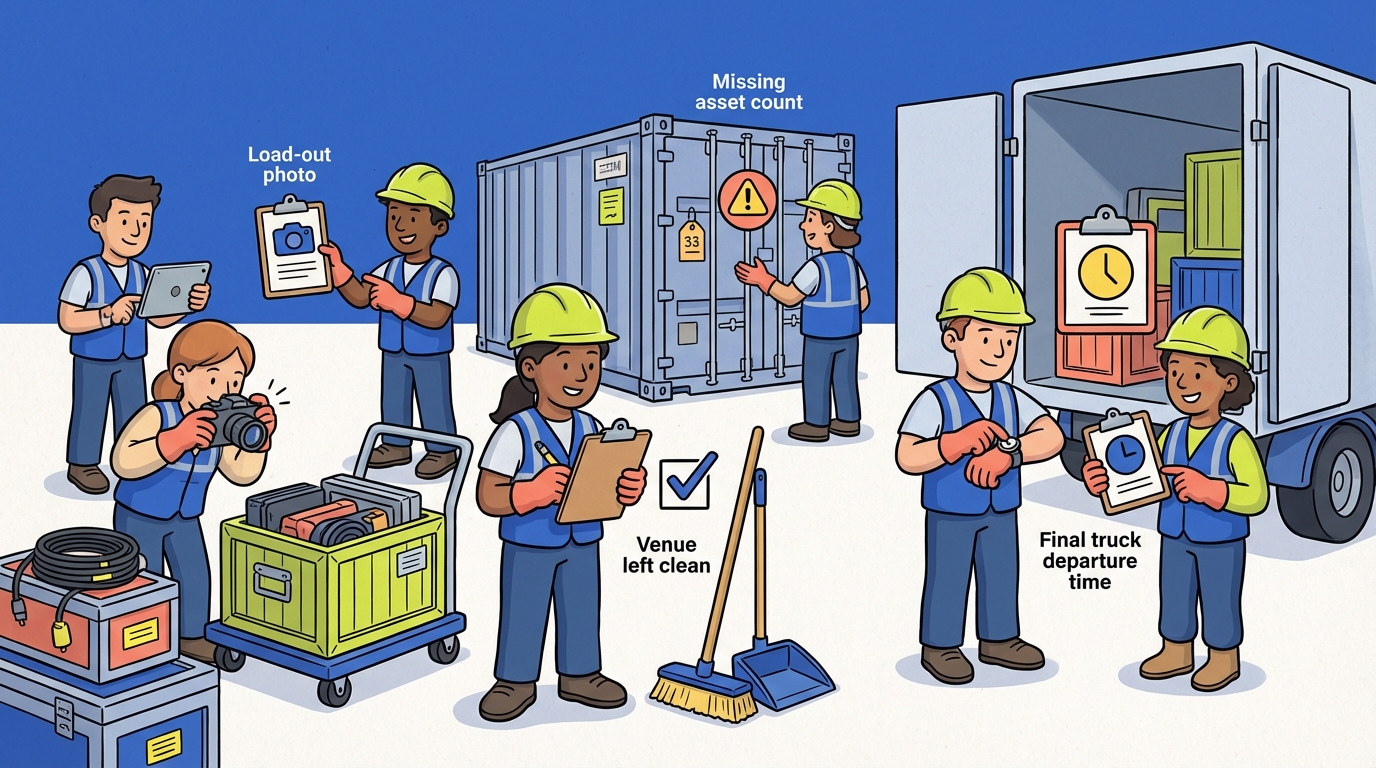
One run-of-show travels from city to city. Load-in, green room, and strike stopped living in nine Slack threads.
Everything the events lead wants to know before rolling it out.
Can’t find it? Start the trial — the first checklist you run will answer most of them.
Yes. Every template opens up into your workspace where you can rename sections, swap items, or add your own fields — checkboxes, photo, number, date, text, or video. Save it once and it becomes your team's SOP.
Yes. ChecklistSquad is built mobile-first. Crews tap through items on their phone even without signal — photos and captures sync as soon as they're back online. No second app required.
Every paid feature, unlocked. Squad analytics, unlimited templates, photo and video capture, PDF signoff, and the AI assistant. Card on file from day one so there's no second signup friction at the end.
One link, one list. Most teams roll out their first checklist on a single shift — openings, turnovers, or a service call — and keep running it daily until it's habit. The template is the training.
Yes. Any checklist item can be a photo, video, number, date, or text input. Completed runs export as clean, branded PDFs you can send to a customer, owner, or auditor.
You do. Your templates, runs, photos, and signoffs stay in your workspace — exportable and portable. No lock-in.
Pick one events checklist. Run it once.
Fourteen days, every feature, card on file. After one run you'll know if it fits the way you actually work.