
Building templates
Score a checklist
Turn on scoring for an audit or inspection template: points on yes/no steps, a pass mark, and critical steps that fail the whole checklist.
Most checklists are done or not done. An audit wants a number: 92% on the food-safety walk, pass on the vehicle inspection. Scoring is off unless you turn it on for a template, and a team that never turns it on never sees a score anywhere.
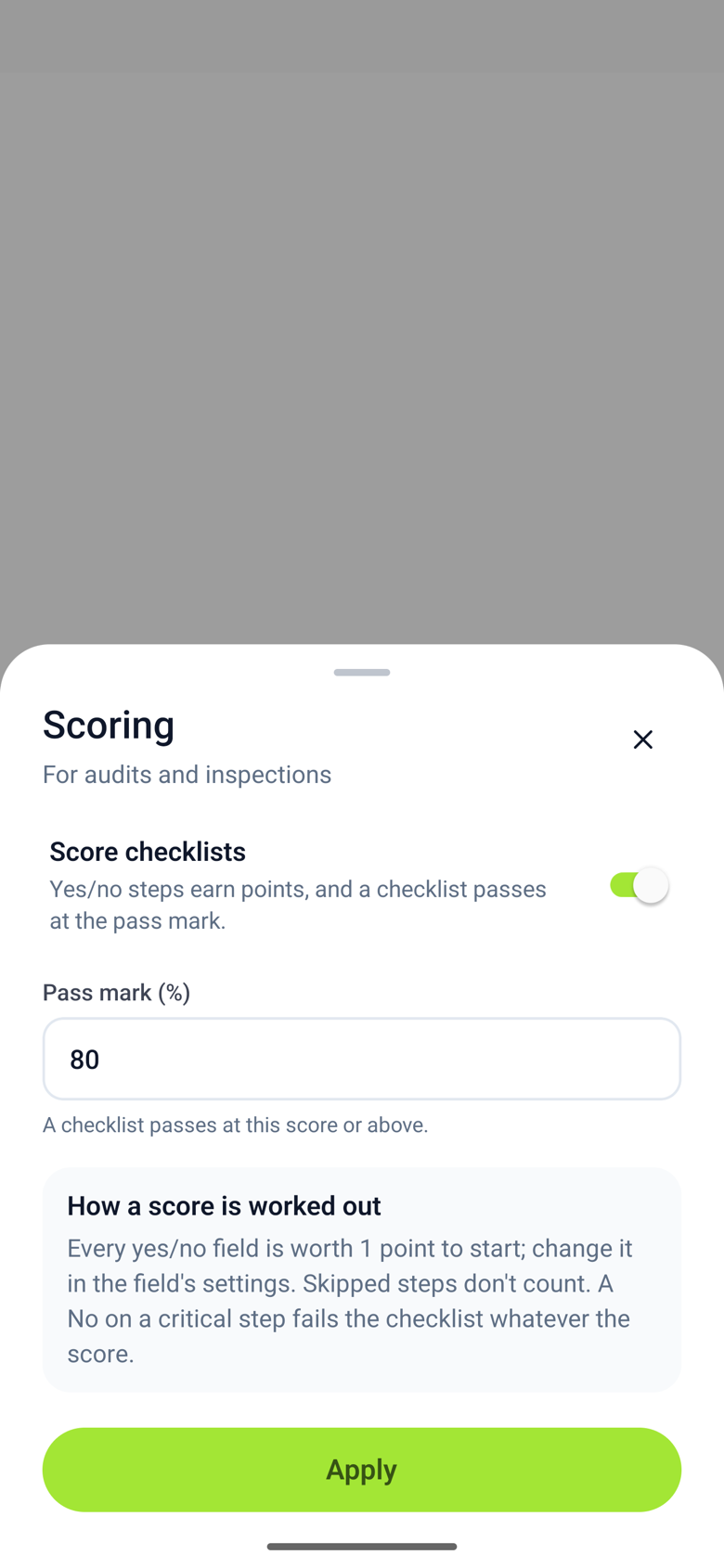
Turn scoring on
- Open the template in the editor, tap Scoring under its name, and turn on Score checklists. Set the Pass mark, the percentage a checklist needs to pass. 80 is the usual starting point.
- Every yes/no field on the template now has Points, set to 1. Give a field more points when it matters more; a field with 0 points is asked but not scored.
- On a field that must never be No, turn on Critical step. A critical No fails the checklist whatever the percentage.
Only yes/no answers are scored. Text, numbers, dates, notes, photos and signatures are recorded, not counted.
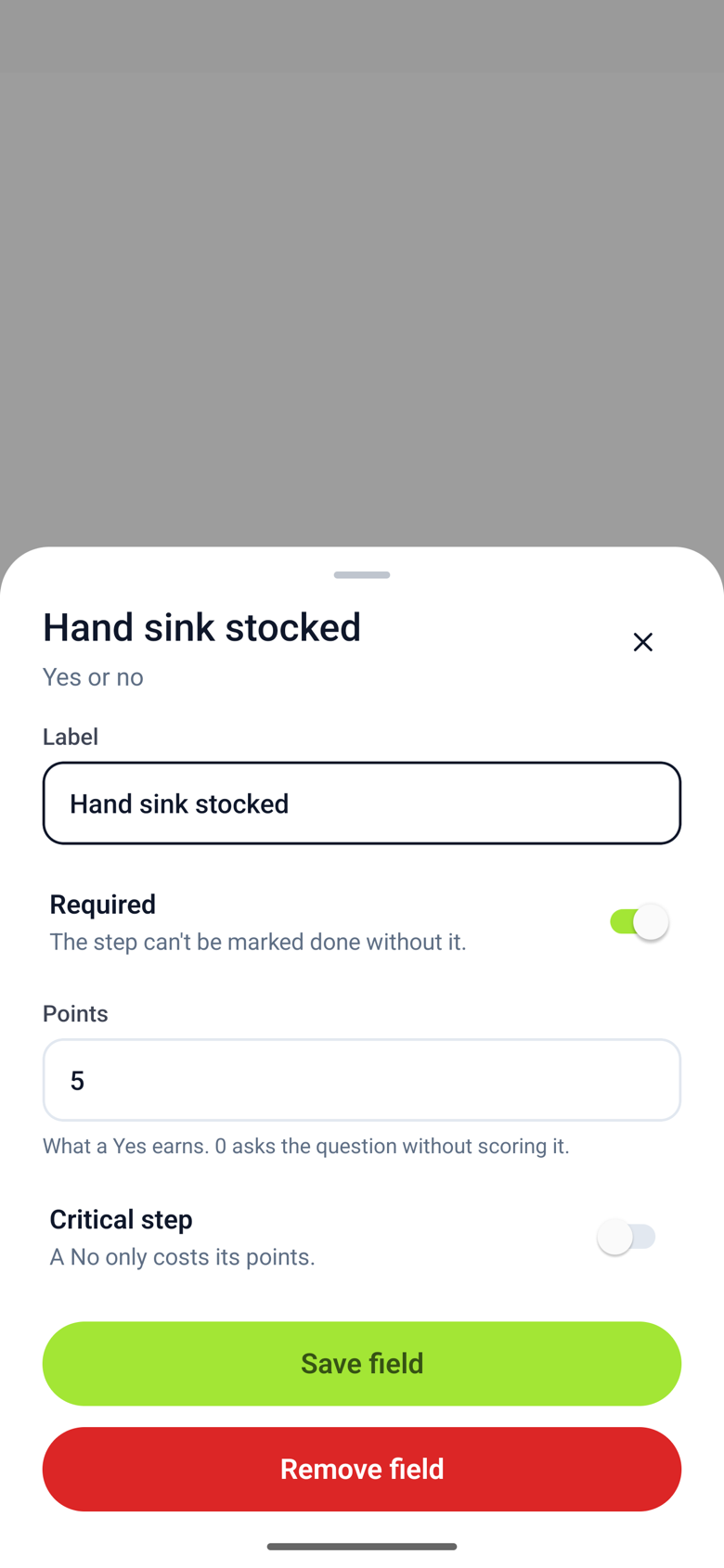
How the score is worked out
- Each scored yes/no field is worth its points. A Yes earns them; a No earns none.
- The score is the points earned divided by the points possible on the steps that were answered, as a percentage.
- A skipped step is left out entirely: it is this checklist's "not applicable". A step that was not answered, or is blocked, is not scored yet and does not count against anyone.
- Steps hidden by a follow-up rule are left out too.
- The checklist passes when the score is at or above the pass mark and no critical step was answered No.
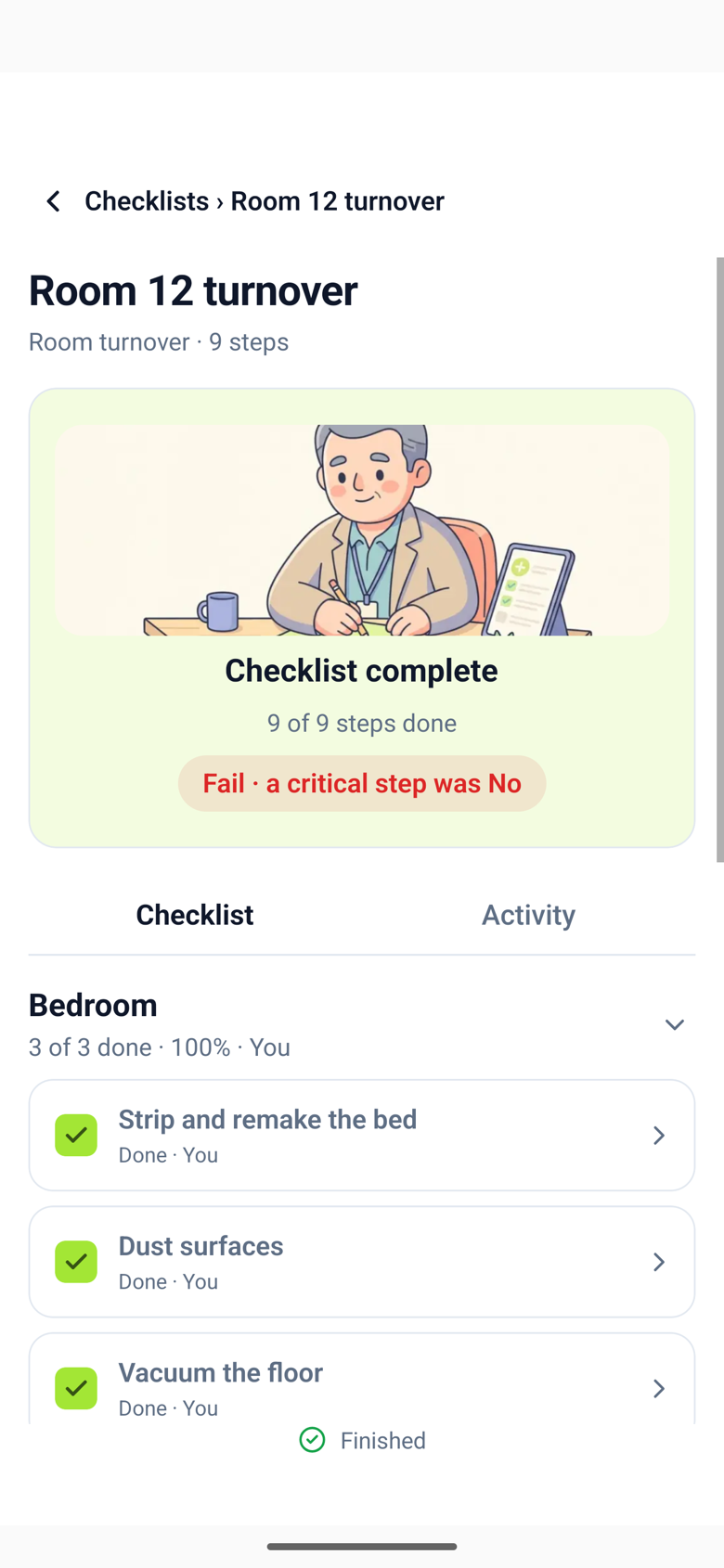
So a checklist can show 95% and still fail: the record says so, and names the critical step.
While doing the work, and when it is finished
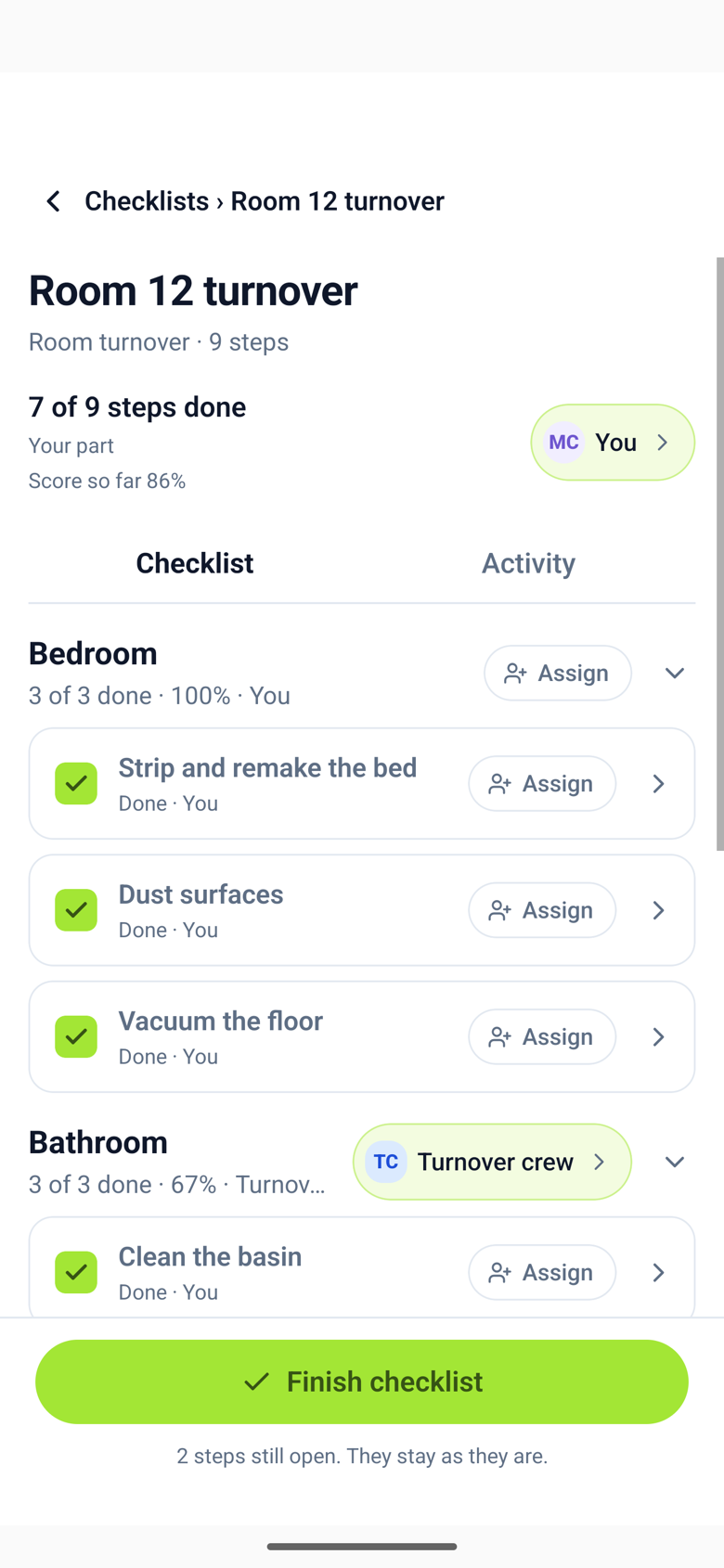
While a checklist is in progress, it shows Score so far at the top, based on what has been answered. When it is finished, the score is fixed: the completed checklist shows the percentage and Pass or Fail, and each section shows its own percentage.
A checklist keeps the pass mark it started with. Changing points or the pass mark on the template affects checklists started after the change.